01
Plan rides together
Create a ride, choose a time, and share it with the people you want to ride with. Keep it private for your regular group or make it public so others can join.
Bike Me brings your cycling contacts, rides, and invitations together. Create private rides for friends or public rides where new cyclists can join.
Bike Me is now on the App Store
Download Bike Me for iPhone and start creating rides, inviting riders, and finding cycling routes near you.

Android testers wanted
Do you have an Android phone? Help us test Bike Me before the app is released. As a thank-you for taking part and sharing feedback, active testers receive one year of full access to the entire app.
A thank-you for active participation
1 year of full access
Full access is granted after you have actively taken part in the test and shared feedback. Signing up does not give immediate access.
Complete the form and we will contact you with information about the testing process.
Fields marked with * are required.
Available for iPhone
Bike Me brings your cycling friends, rides, and invitations together. Create private rides for friends or public rides where new riders can join.
Available now on the App Store
Bike Me is built for cycling friends, familiar faces, and the next ride together
Features
Create a ride, choose a time, and share it with the people you want to ride with. Keep it private for your regular group or make it public so others can join.
Cyclists meet good people all the time, but the connection often fades. Bike Me makes it easier to keep hold of the riders you want to ride with again.
Invite close cycling friends to a closed ride, or open it up to new riders in the area. You decide how the group should work.
Import a GPX file so the route can appear on the map.
If a host cannot make it, participants are informed right away.
How it works
01
Keep friends, clubmates, and new cycling contacts close in one place.
02
Choose the time, meeting point, and whether the ride is closed or open.
03
Share the plan, see who joins, and head out together.
Screenshots
From meeting points and invitations to ride history and deeper ride insights.

Create a profile and start building your cycling network.

See fixed meeting points, nearby rides, and where your next group can start.

Check activity, upcoming rides, and create a ride from a known spot.

Choose whether the ride starts soon or is planned for later.

Set the ride up and invite the riders you want with you.

Pick a clear ride title so the group knows what kind of ride it is.
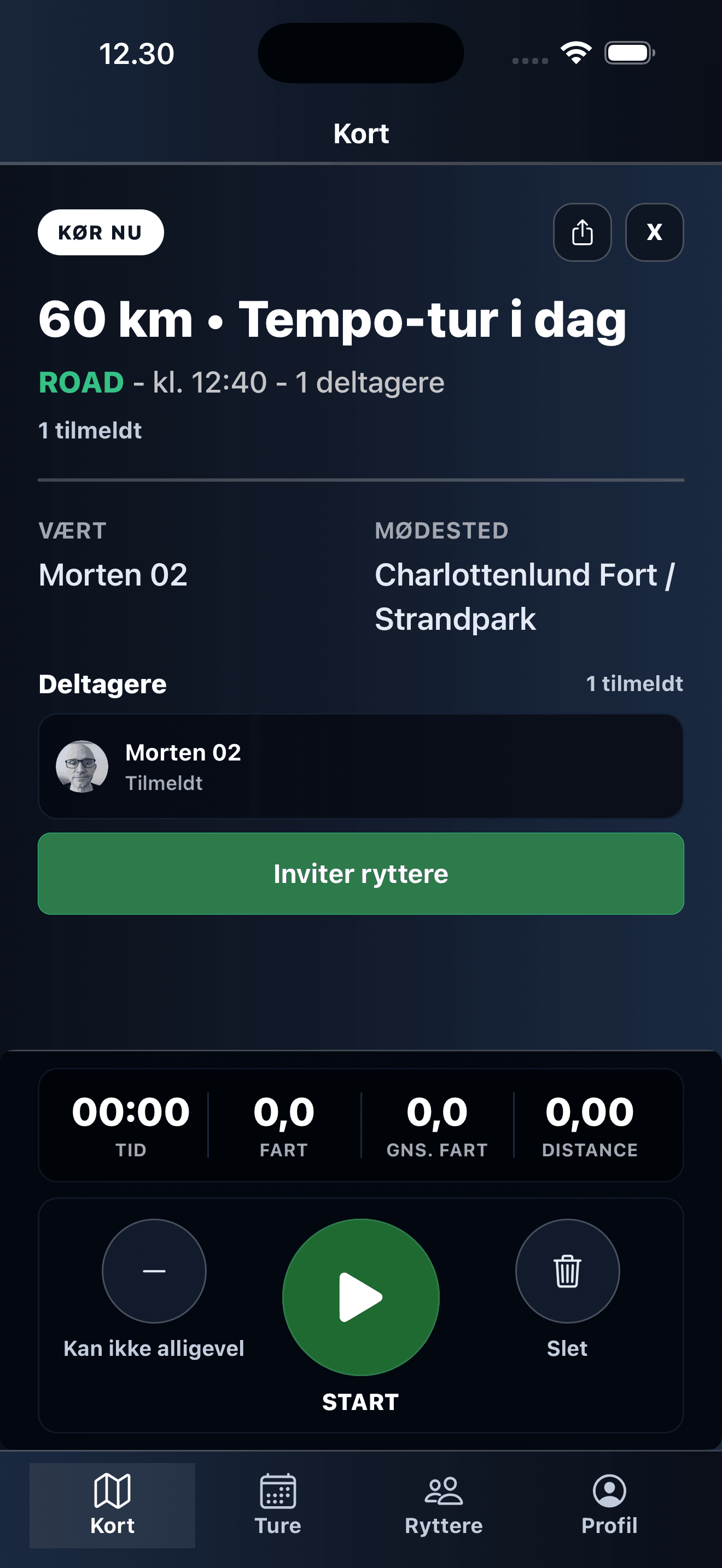
See meeting point, participants, and start tracking when everyone is ready.
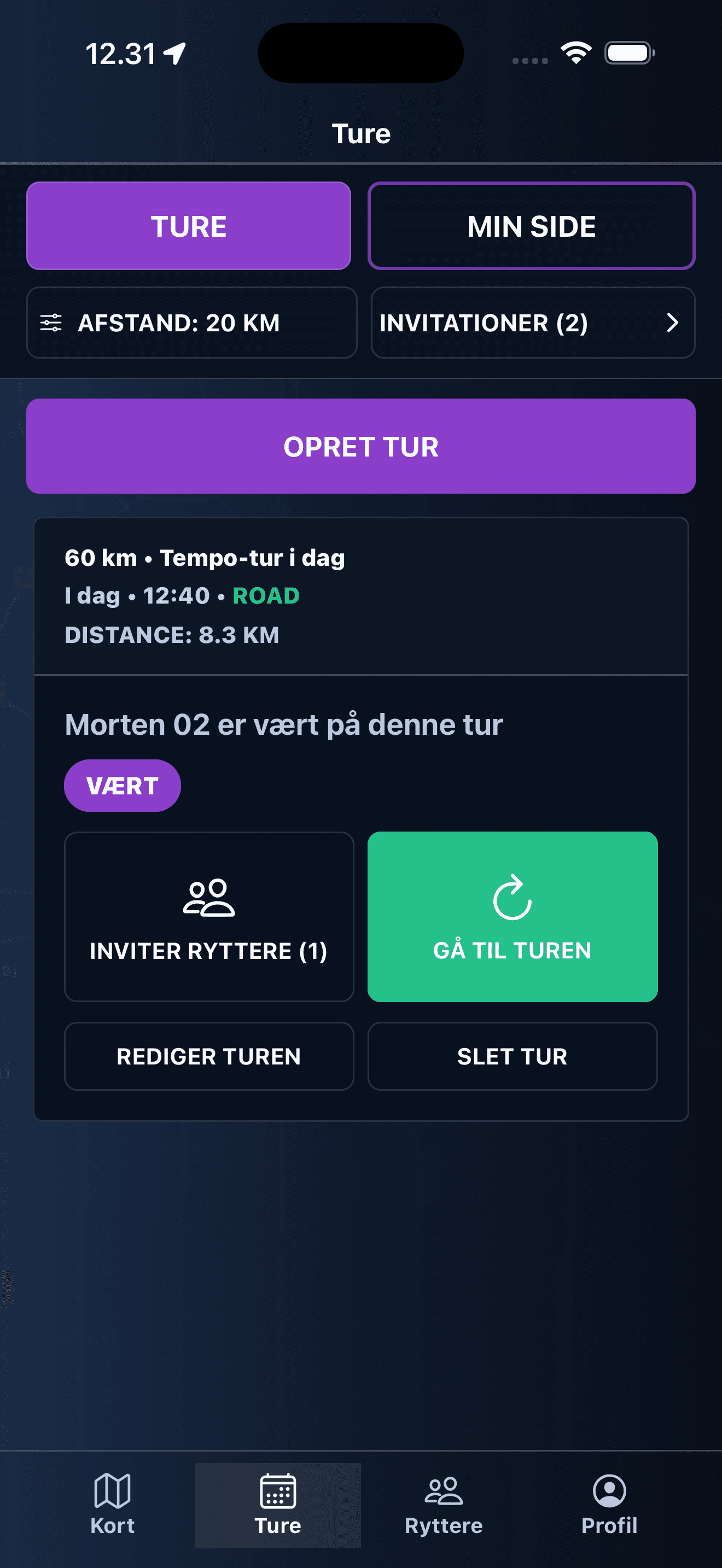
Keep your own rides, invites, and next actions in one simple view.
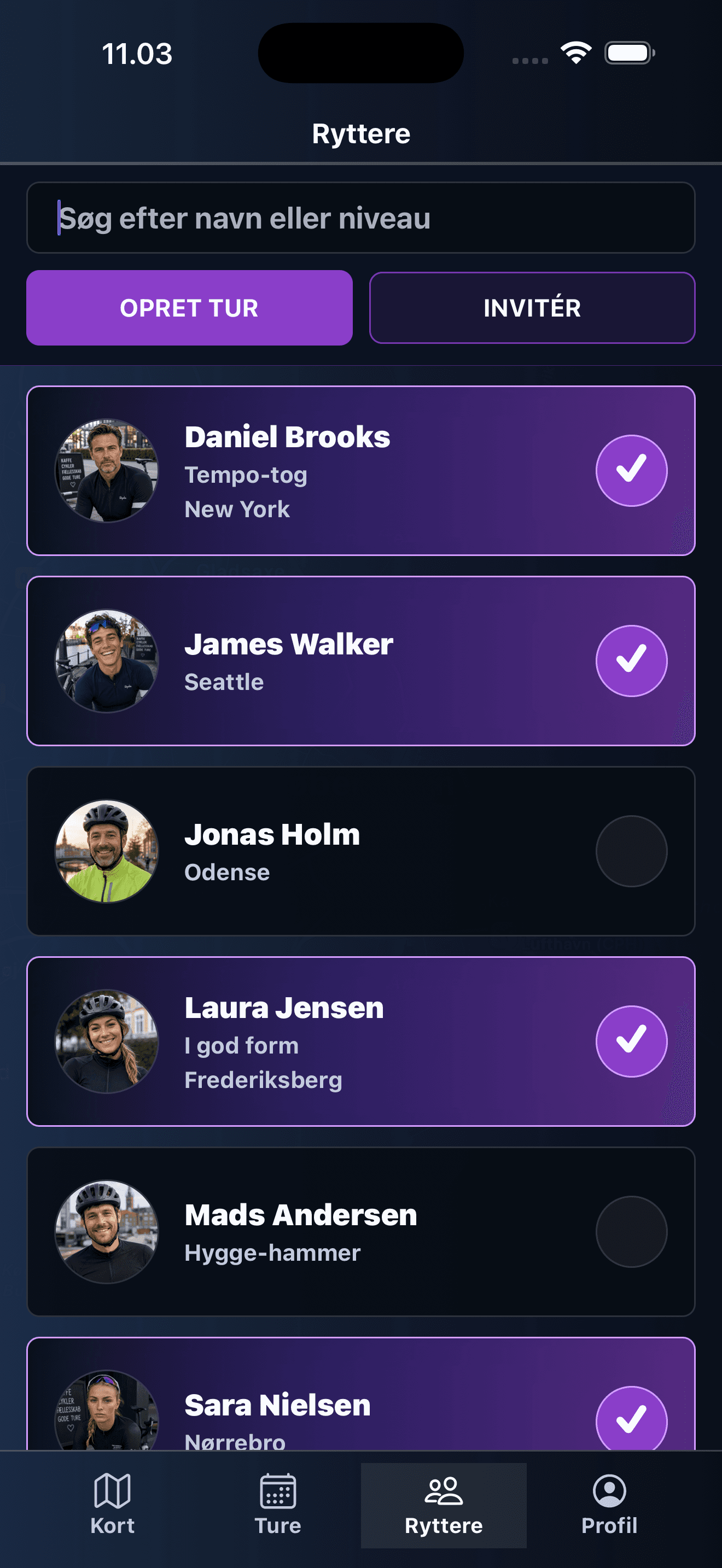
Find cycling friends and invite the right people to the ride.
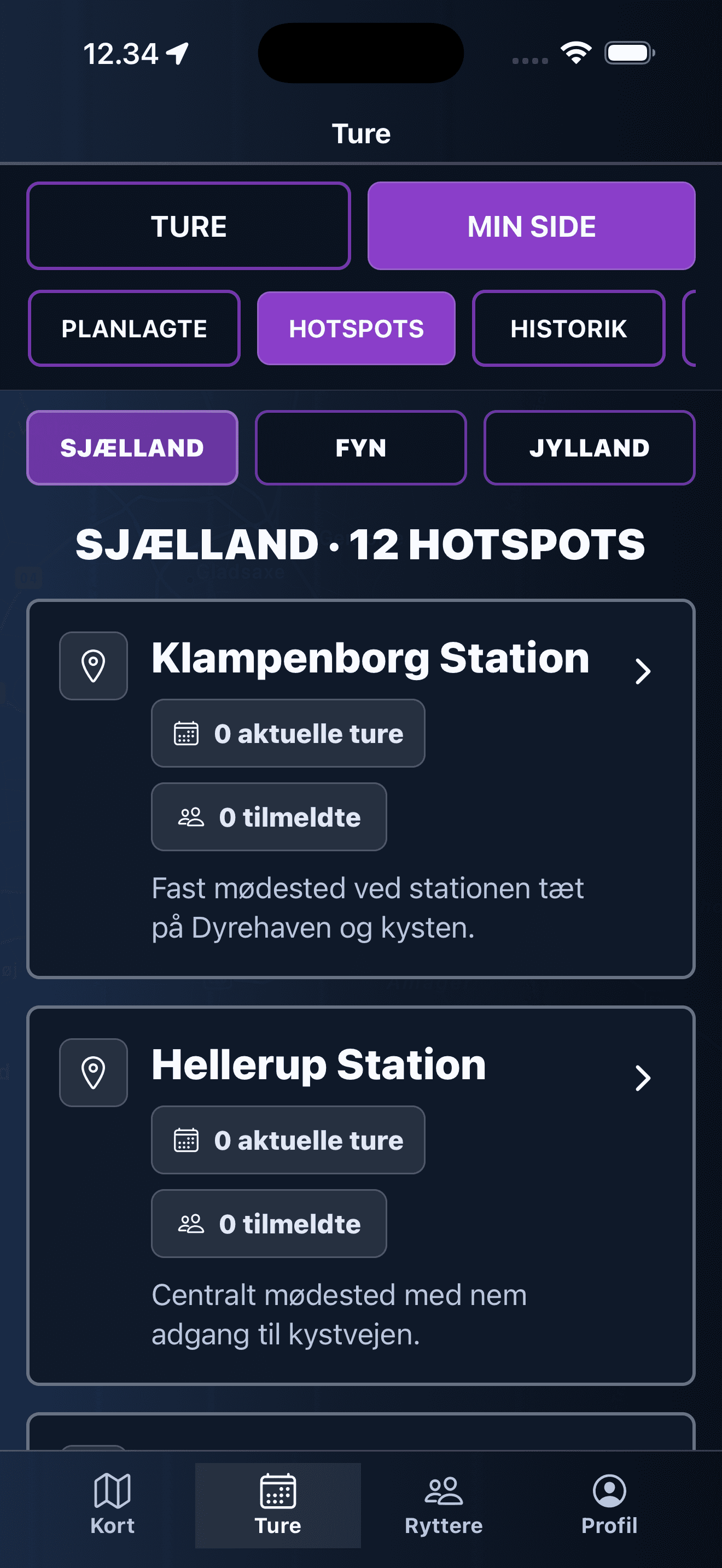
Discover popular cycling spots and create rides around them.
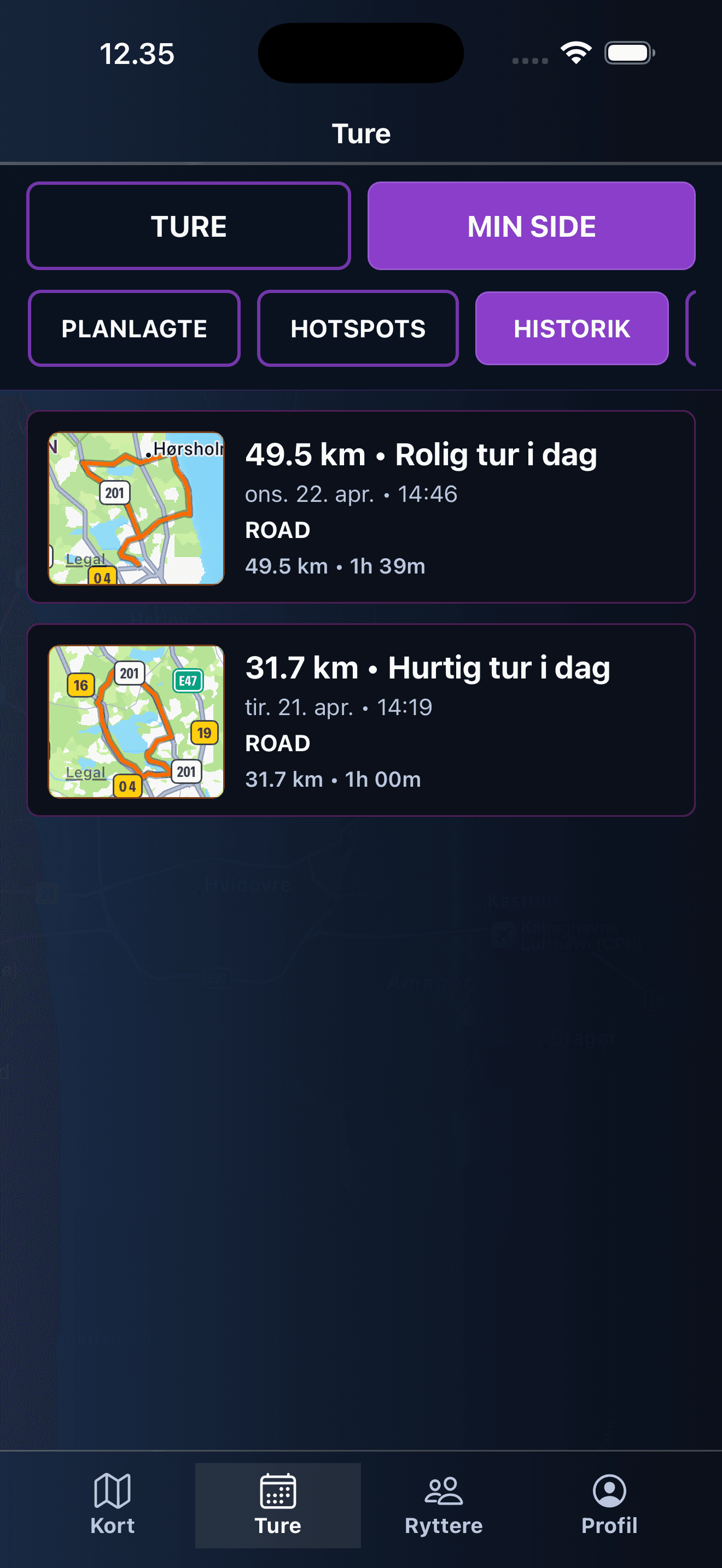
Look back at completed rides and keep track of what you rode.
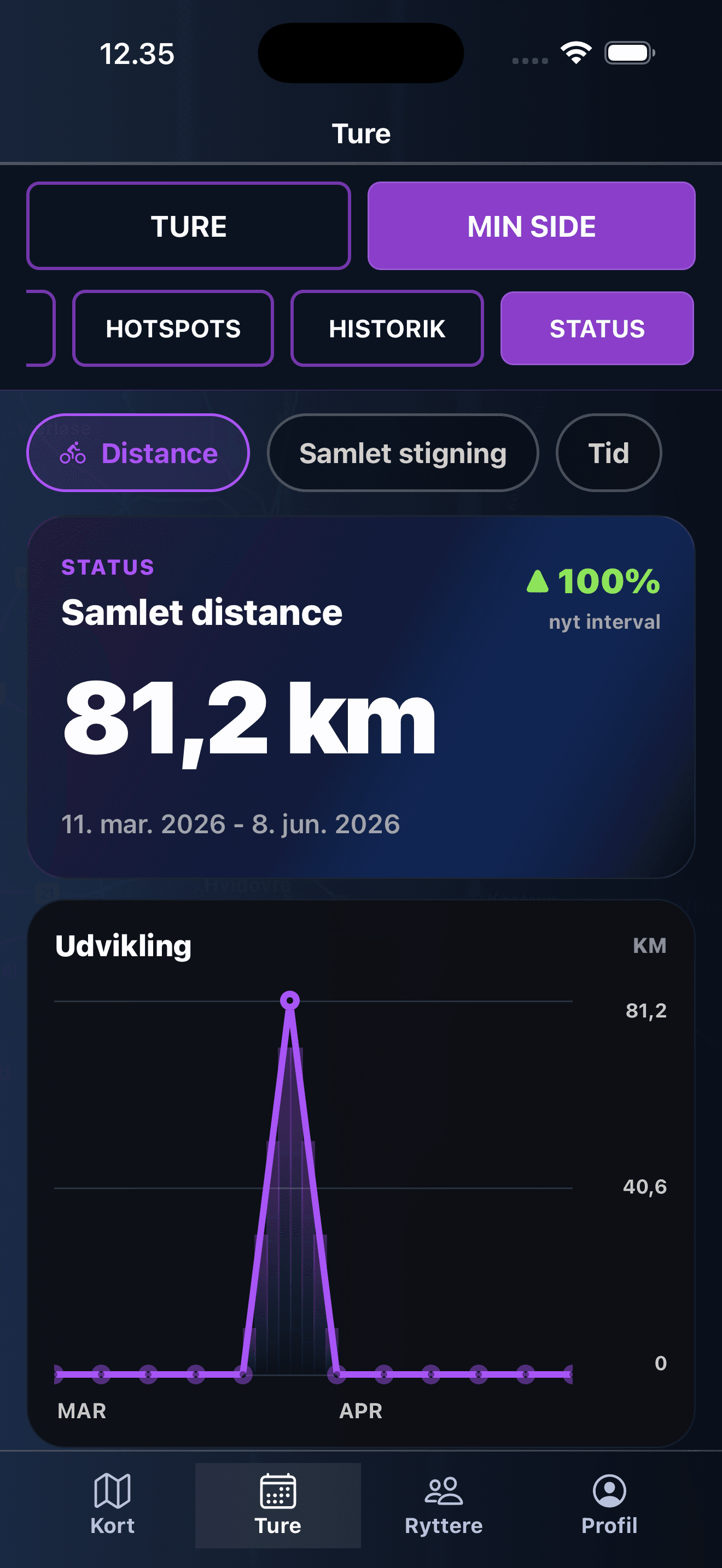
Follow your development over time with distance and progress charts.
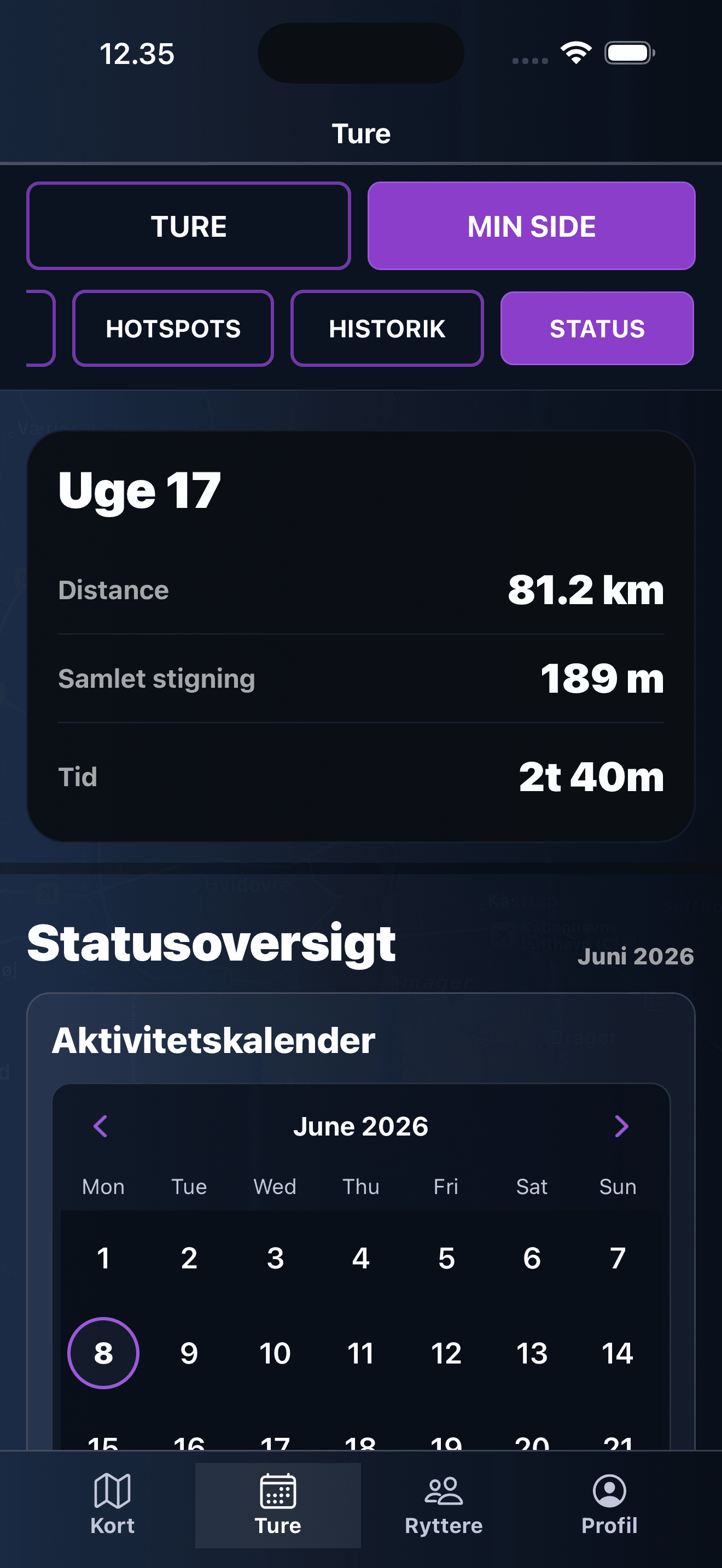
See your weekly distance, elevation, and activity status.
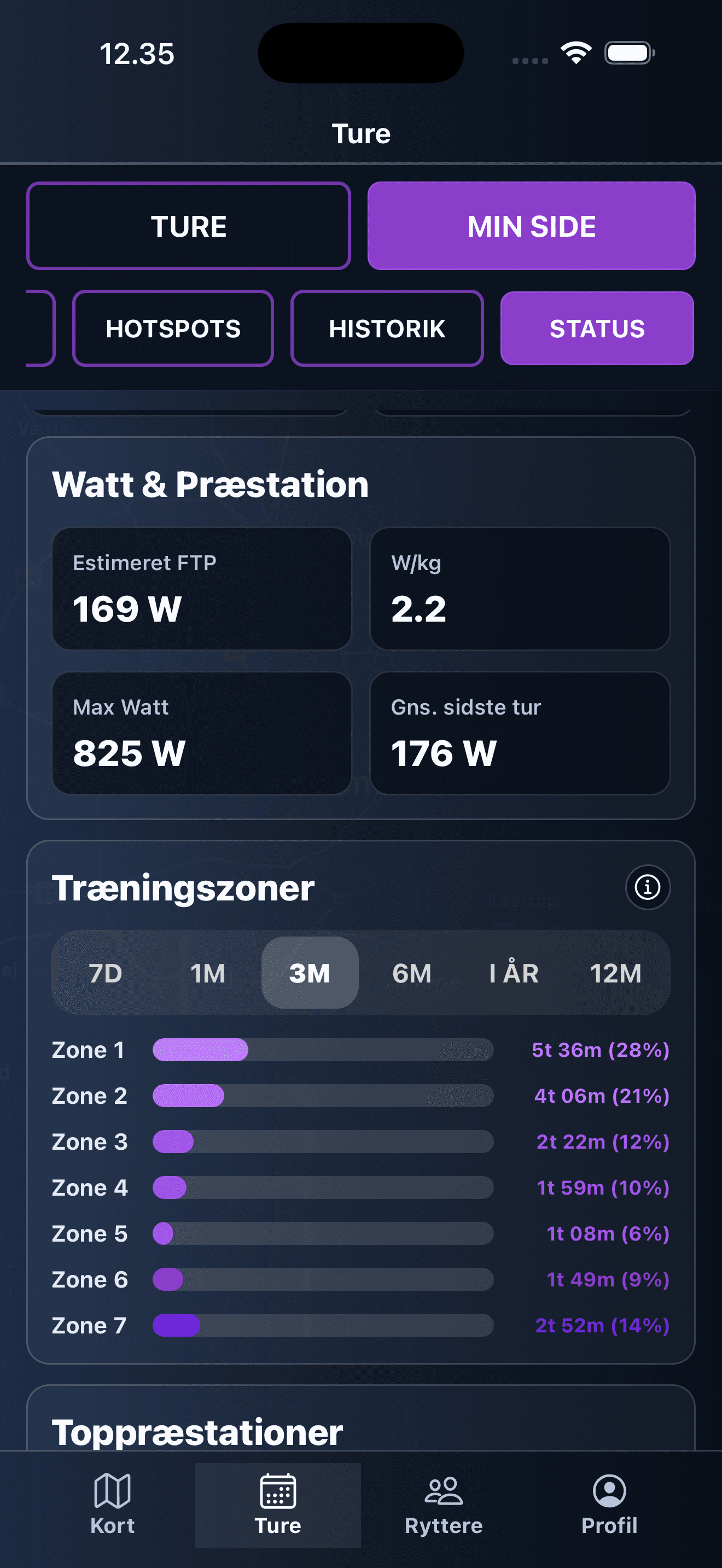
Dive into estimated watts, zones, and performance after the ride.
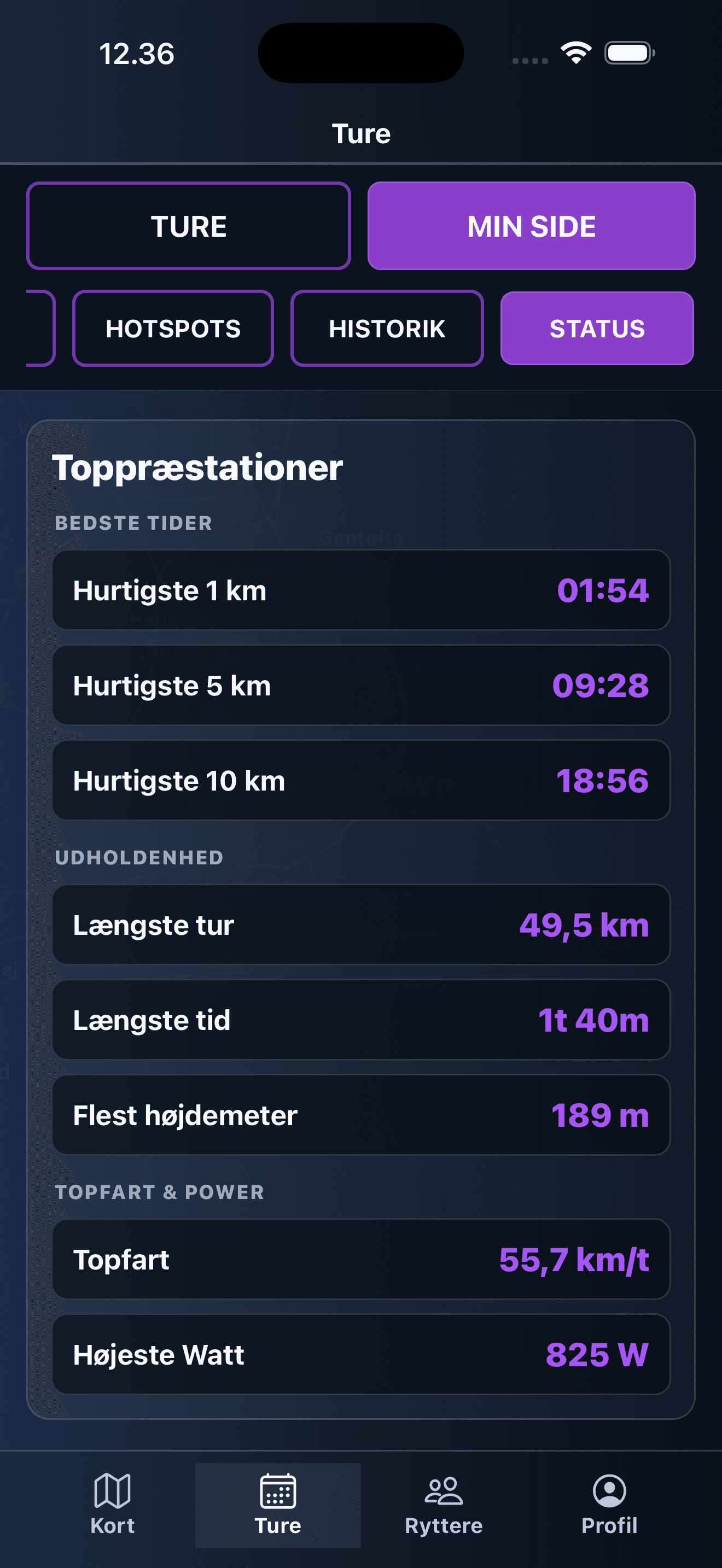
Track your best times, longest rides, top speed, and highest watt.
FAQ
Bike Me is a cycling app for finding riders, creating rides, inviting others, and keeping track of your rides.
You can download Bike Me for iPhone from the App Store.
Ride Now lets you create a ride that starts soon so nearby cyclists can join quickly.
Yes. You can import a GPX file if you want a planned route to appear on the map.
Participants receive push notifications for important updates, including when a host can no longer make it.